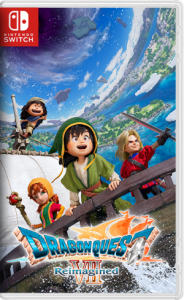
DRAGON QUEST VII Reimagined
v1.1.0
Screenshots

Game Information
App name:
DRAGON QUEST VII Reimagined
Published by:
SQUARE ENIX
Release Date:
February 5, 2026
Title ID:
0100A9D01C446000
Genre:
RPG
Size:
4.4 GB
Language:
En, De, It, Fr, Ja, Ko, Zh, Es, Pt, Ru
Version:
1.1.0
Format:
NSP
Required Firmware:
20.1.5.0
CFW:
20.1.5.0 + Atmosphere 1.9.3
Join Our Telegram Community
Get latest updates, game releases, and support from our community
Game description
Download DRAGON QUEST VII Reimagined Switch NSP XCI ROM Free
DRAGON QUEST VII Reimagined NSP is an action-packed role-playing game that offers a brand-new perspective on the classic adventure. Embark on a journey through time, battle ferocious beasts, and uncover hidden secrets in this reimagined version of a beloved story. Ready to explore a world full of mystery and magic?
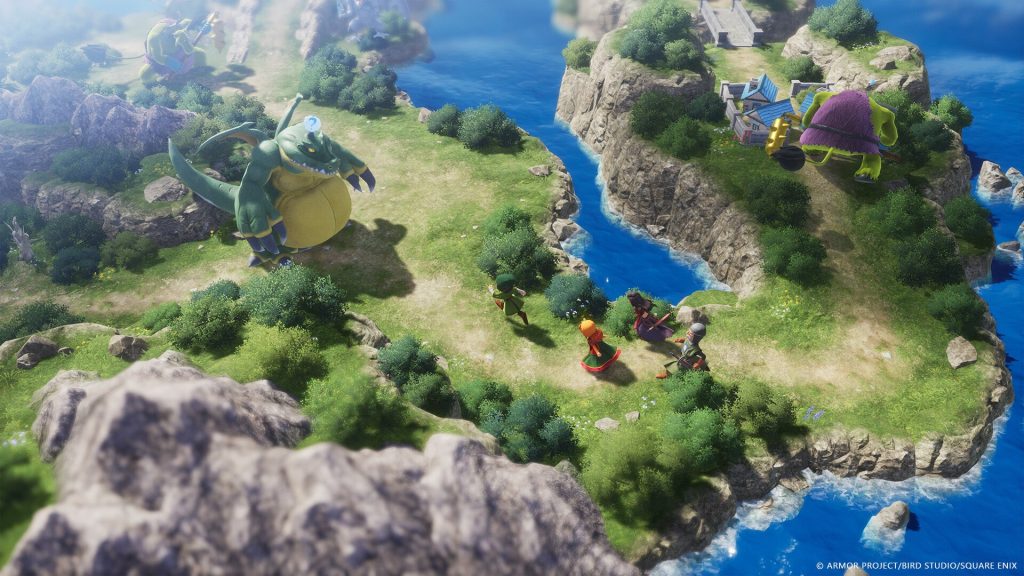
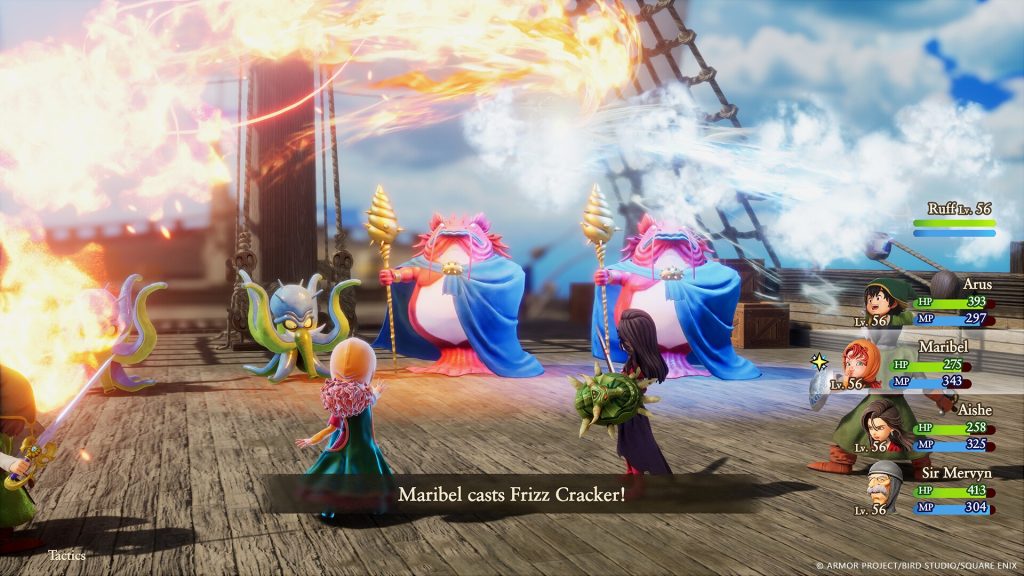
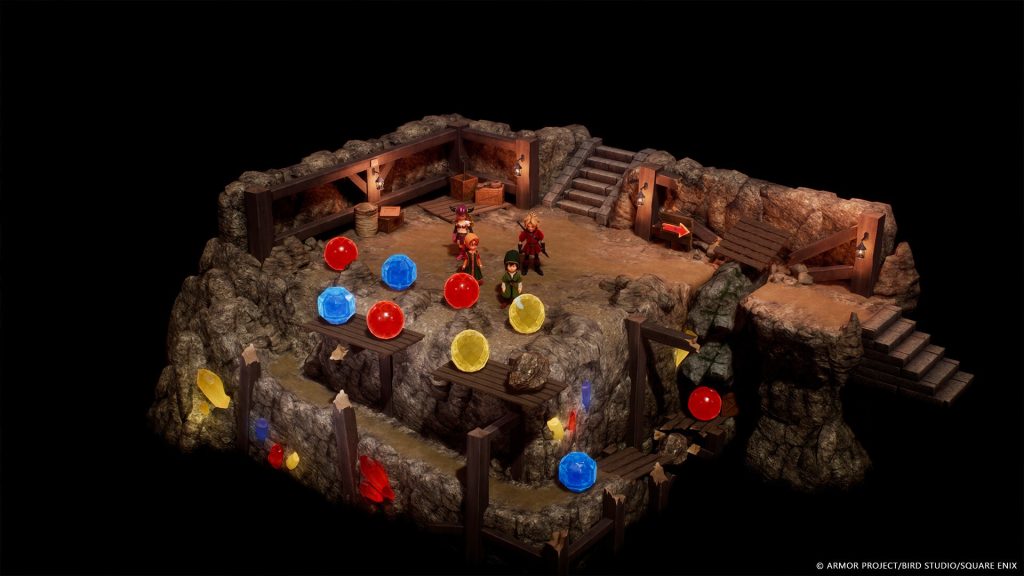
DRAGON QUEST VII Reimagined for Nintendo Switch moves away from the familiar HD-2D style seen in recent remakes and instead introduces a handcrafted visual approach. The developers used detailed physical puppets that were scanned into the game to create a unique and charming look. This design choice highlights the smaller proportions of the characters, making them appear more adorable and expressive than typical heroes in the series.
Producer Takeshi Ichikawa mentioned that the team wanted to focus on the cute and charming qualities of the characters through this new art direction. The final result blends nostalgia with a fresh visual identity, while real-world materials add natural texture and detail to clothing and equipment.
Explore More RPG Games
Installation Instruction
- There is no difference between the NSP and XCI formats. They run exactly the same on the emulator.
- On a hacked Nintendo Switch, please install the file via Tinfoil (Highly recommended), or DBI Installer.
- If you get "too many requests..." error, just Back then try again after a few minutes.
- All direct download links are disabled. They will be back in action in 2 days.
Problems with file version, download or installation?